Black Friday 2026: a technical checklist for Shopify stores in October

Bruno BerezagaCXO ·
What to review now, how to make changes in November without adding risk, and how to reach the 27th without a scare.
Black Friday 2026 falls on November 27. In 2025, Brazilian e-commerce took in R$4.76 billion on Black Friday itself, up 11.2% from 2024, according to Confi Neotrust. That was 8.69 million orders, with an average order value of R$553.60. On a day that size, any technical failure is expensive, and the window to fix it safely closes sooner than it looks.
This is the checklist we use with Shopify stores in October.
Why October is the month that decides it
November is campaign month. The team needs to be on media, content, customer service, and inventory. Code changes in that phase compete for attention, and they raise the chance that a problem shows up right at the peak. The technical work has to happen now.
1. Speed
Every extra second costs money. One more second of load time pushes away the person who arrived from the ad.
- List the installed apps and remove the ones nobody uses. Many of them keep loading scripts on the store even when they sit idle.
- Review the weight of images on the home page, on collections, and on the best-selling products.
- Check the theme. Hidden sections and old code add weight too.
2. Tracking
If tracking is wrong, you will run Black Friday blind. We wrote a full article on this: Tracking: the technical detail that separates stores that sell from stores that stall.
- Place a test order and confirm that it shows up in GA4 and in the media pixels.
- Check the funnel events: the record of the whole buying journey, from viewing the product to adding it to the cart, starting checkout, and purchasing.
- Align with the media team on which conversions the campaigns will optimize toward.
3. Checkout
This is where the sale is confirmed, or where it slips away.
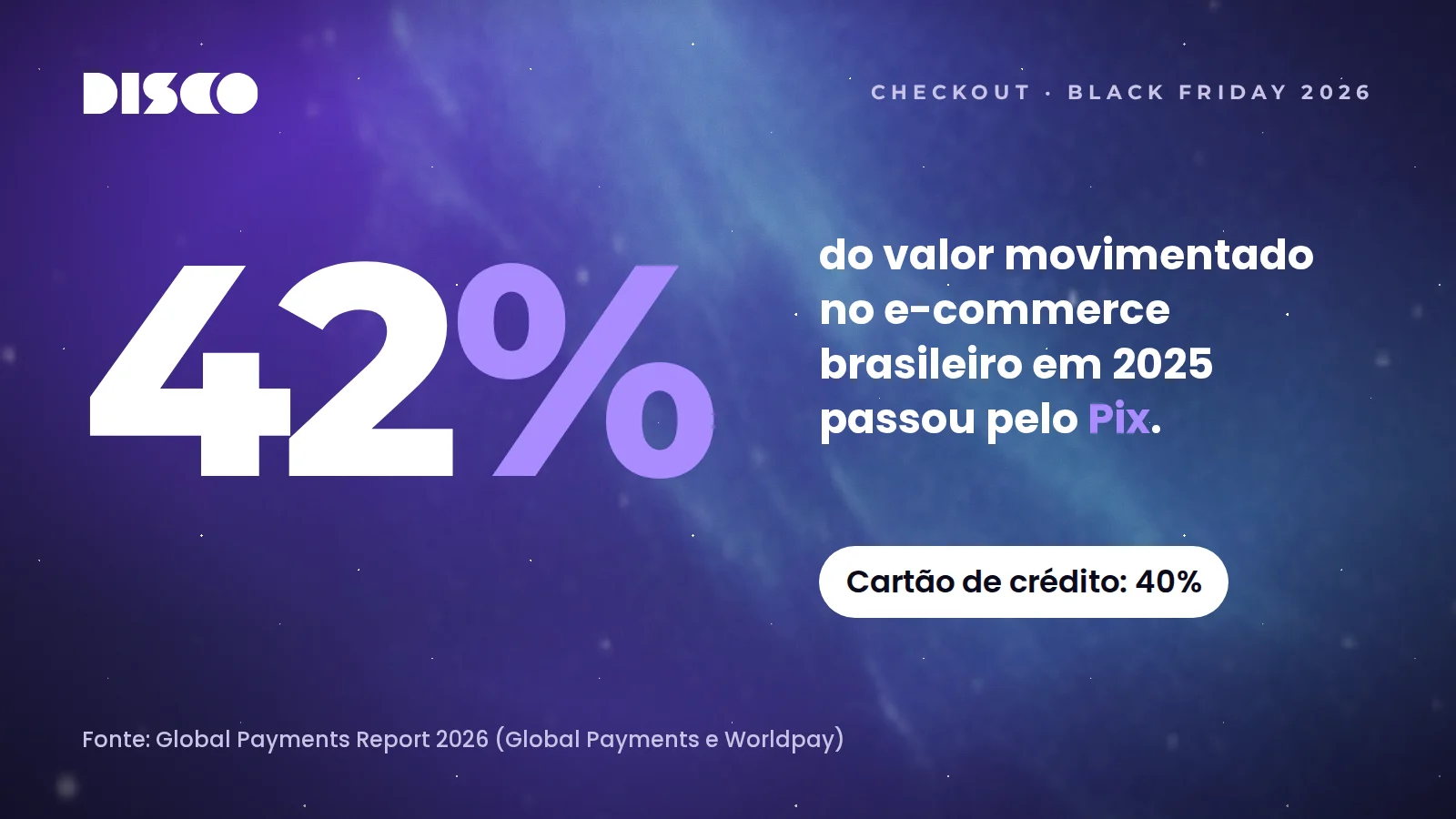
- Pix, up front. In 2025, Pix accounted for 42% of the value moved in Brazilian e-commerce, and credit cards for 40%, according to the Global Payments Report 2026, from Global Payments and Worldpay.
- Abandoned cart. Make sure the abandoned-cart CRM actions are set properly, and that the team is ready to reach high-ticket customers.
- Coupons, tested. Every campaign coupon needs a test before it goes out.
4. Integrations and inventory
At the peak, the problem is rarely the site itself. It is whatever is connected to it.
- Confirm that Shopify inventory matches the ERP.
- Keep the support contact for each tool within reach.
- Have a contingency plan in case an integration fails, so sales and the operation do not stop.
5. Safe change, with a safety net (and not a code freeze)
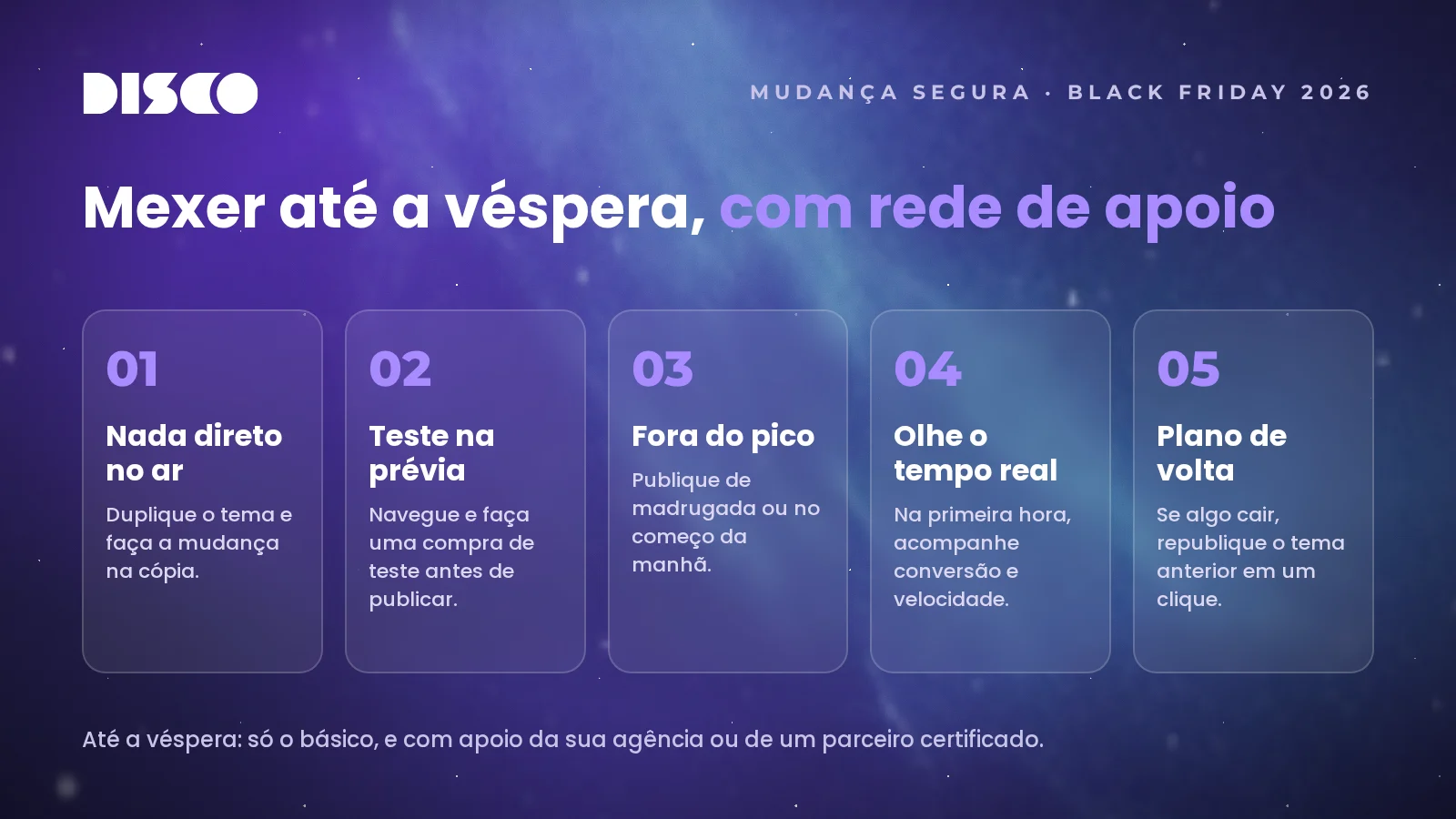
The classic advice is to freeze the code weeks before the peak. In practice, almost no store can hold that line: a new banner always appears, a shipping tweak, a last-minute app. Protect the store. Until the day before, touch only the basics, with someone who knows the store beside you, whether that is your agency or a certified partner.
- Nothing goes straight to the live theme. Duplicate the theme and make the change on the copy.
- Test in the preview. Browse the store and place a test order before you publish.
- Publish off peak. Late at night or early in the morning, never in the hours when sales are highest.
- Watch it live. For the first hour after publishing, follow conversion and speed.
- Have a way back. If something drops, republish the previous theme in one click.
6. The campaign: its own landing page and its own creatives
Building the campaigns is part of the preparation. Landing pages and creatives for Black Friday take real work, which is why they start now. Sending Black Friday traffic to the home page asks the customer to go find the offer alone. The home page is built to serve everyone, all year. The campaign landing page serves the person who arrived from the ad looking for a discount.
- The offer on the first screen. The discount and the deadline, visible without scrolling.
- A catalog for people in a hurry. Organize by category or by price range.
- Real urgency. A countdown only works when the deadline is real.
There is room to make it specific: a pre-launch with a VIP list, to capture email and WhatsApp before the peak; different pages for people who are already customers and for people arriving through media; and kits made only for the date, to raise the order value without depending on the discount alone.
The technical care is the same as for the rest of the store: a light page, conversion events that belong to the campaign, and everything published ahead of time and tested with a real purchase.
A checklist for the eve
During Black Friday week, run one last pass: a test order from start to finish, every payment method, shipping to three postal codes (CEPs) in different regions, inventory checked, and an on-call plan written down. Who answers if something goes down, and how fast. The agency stays on call, ready to help with whatever is needed.
The work does not end on Friday. Someone who bought for the first time on Black Friday is a chance at a second order before Christmas. We wrote about that in How to retain customers after Black Friday.
Want help deciding what comes first?
Not everything fits in October, and not everything has to. Getting the store ready for the peak, with on-call coverage, changes that have a safety net, and steady improvement, is part of DISCO’s Ongoing & Evolução.